Webinars and demos were better together.
Live webinars, on-demand webinars, and video interviews with broad segment-targeting were an effective way of driving MQLs and marketing-driven pipeline. I crafted the content strategy, developed the narratives, briefed key stakeholders and agency partners, recruited the speakers, attended rehearsals, and provided feedback. Top performing webinars were those led by Adobe product marketing experts demonstrating the most common use cases.
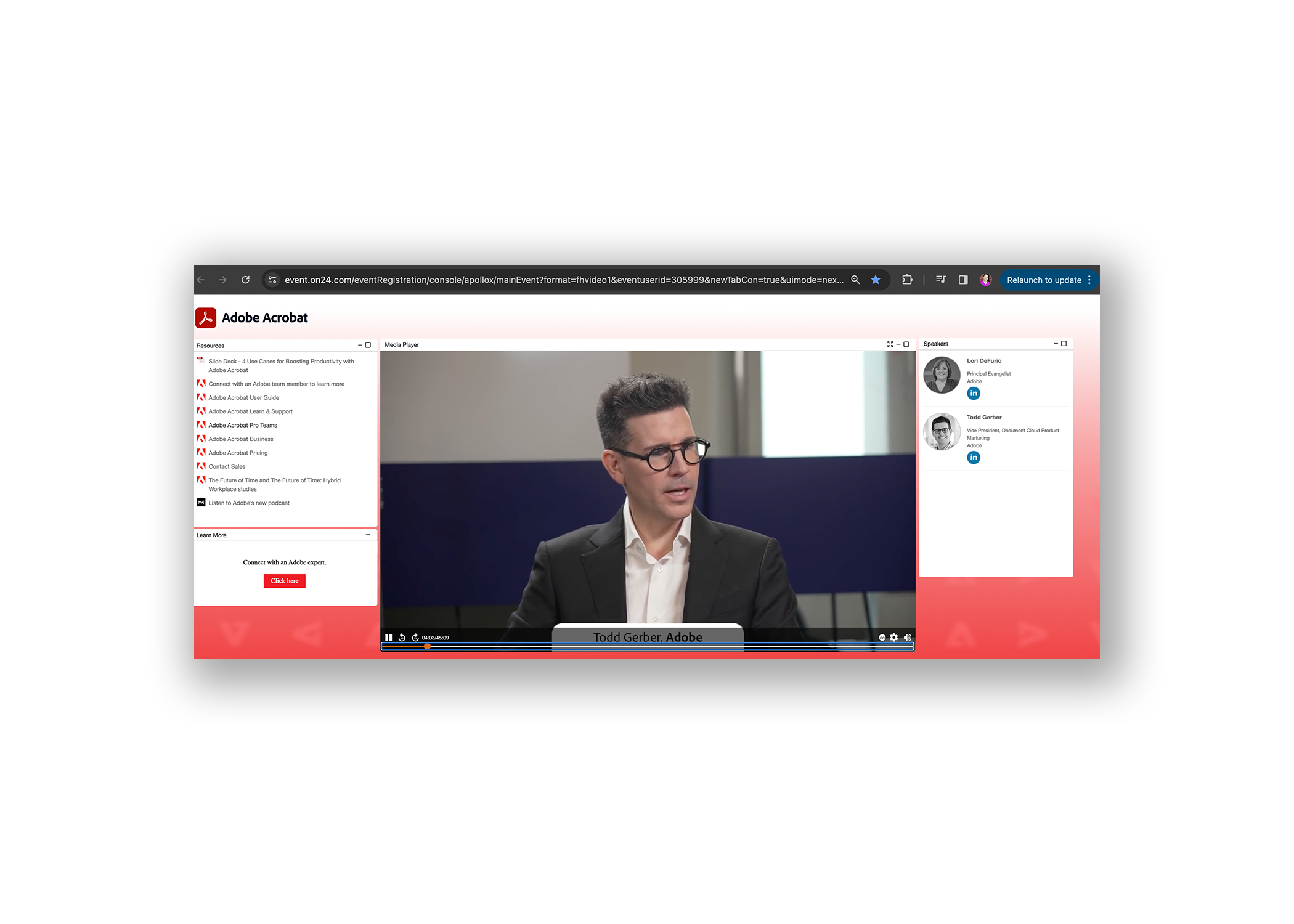
4 Use Cases for Boosting Productivity
Using fewer, better tools can boost productivity and eliminate any friction that slows down projects and frustrates customers.
Watch our on-demand webinar to discover how today’s Adobe Acrobat is an all-in-one PDF and e-signature solution that empowers teams to create, edit, sign, and track documents from anywhere, on any device. Our Adobe experts demo key PDF workflows such as:
Editing PDFs — including text and images
Sharing and collaborating on PDFs
Using web forms to collect information
Working on PDFs on mobile
You’ll learn how Acrobat can speed up your internal workflows and create more delightful experiences for your customers.
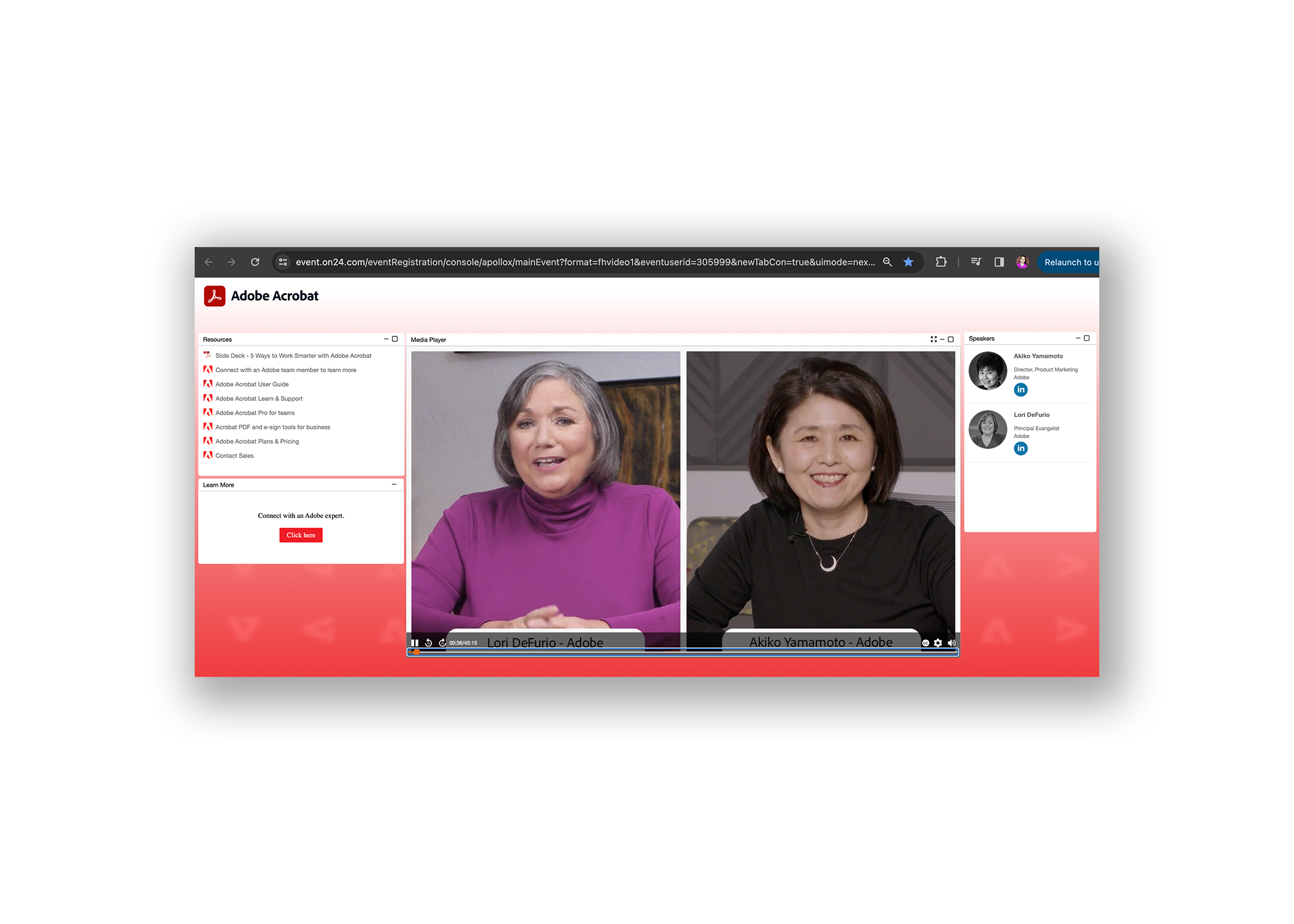
5 Ways to Work Smarter with Adobe Acrobat
Thirty years after Adobe invented PDF, the document format remains the global standard for sharing critical information on any device to drive business.
We invite you to watch our webinar 5 Ways to Work Smarter with Adobe Acrobat. Our experts share foundational tips for working more smoothly with PDFs using today’s Adobe Acrobat Pro. This all-in-one PDF and e-signature solution has been continually improved to meet the needs of today’s digital-first, hybrid organizations.
In this webinar, you’ll learn how to:
Edit text or an image directly in a PDF to save time
Compress a large PDF so it’s easier to share
Prevent others from copying, editing, or printing sensitive information in a PDF
Create a polished package by combining multiple files into a PDF
Accelerate e-signature and approval processes
Watch today for fresh insights and easy-to-follow demos on working more confidently with the world’s number one business file format.
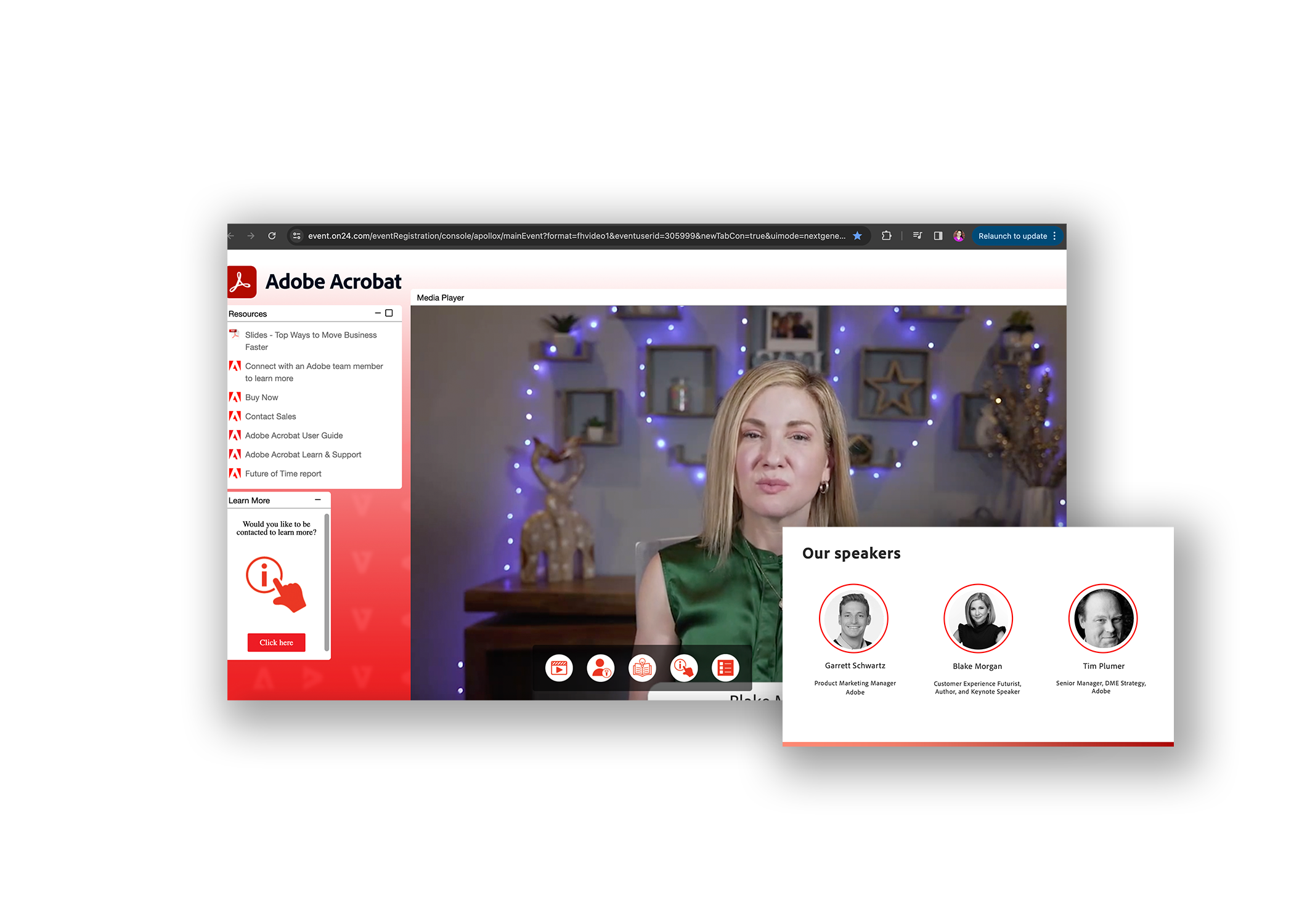
Top Ways to Move Your Business Faster
Every business wants — and needs — to operate efficiently. This includes how teams work with documents, the lifeblood of every organization.
We invite you to watch our webinar Top ways to move your business faster. We start with insights from a leading voice on how businesses are embracing digital ways of working. Then our panelists dig into how to create smart document workflows — replacing cumbersome processes with streamlined workflows from Adobe Acrobat Pro, the all-in-one document solution.
Through the discussion and demos, you’ll learn about:
How businesses are evolving to meet today’s digital workplace challenges
How Acrobat Pro enables your team to collaborate on documents seamlessly and securely as you compete in the all-digital era
The latest Acrobat collaboration tips to help you work smarter
Watch today to add more speed and strategy to how your organization gets work done.
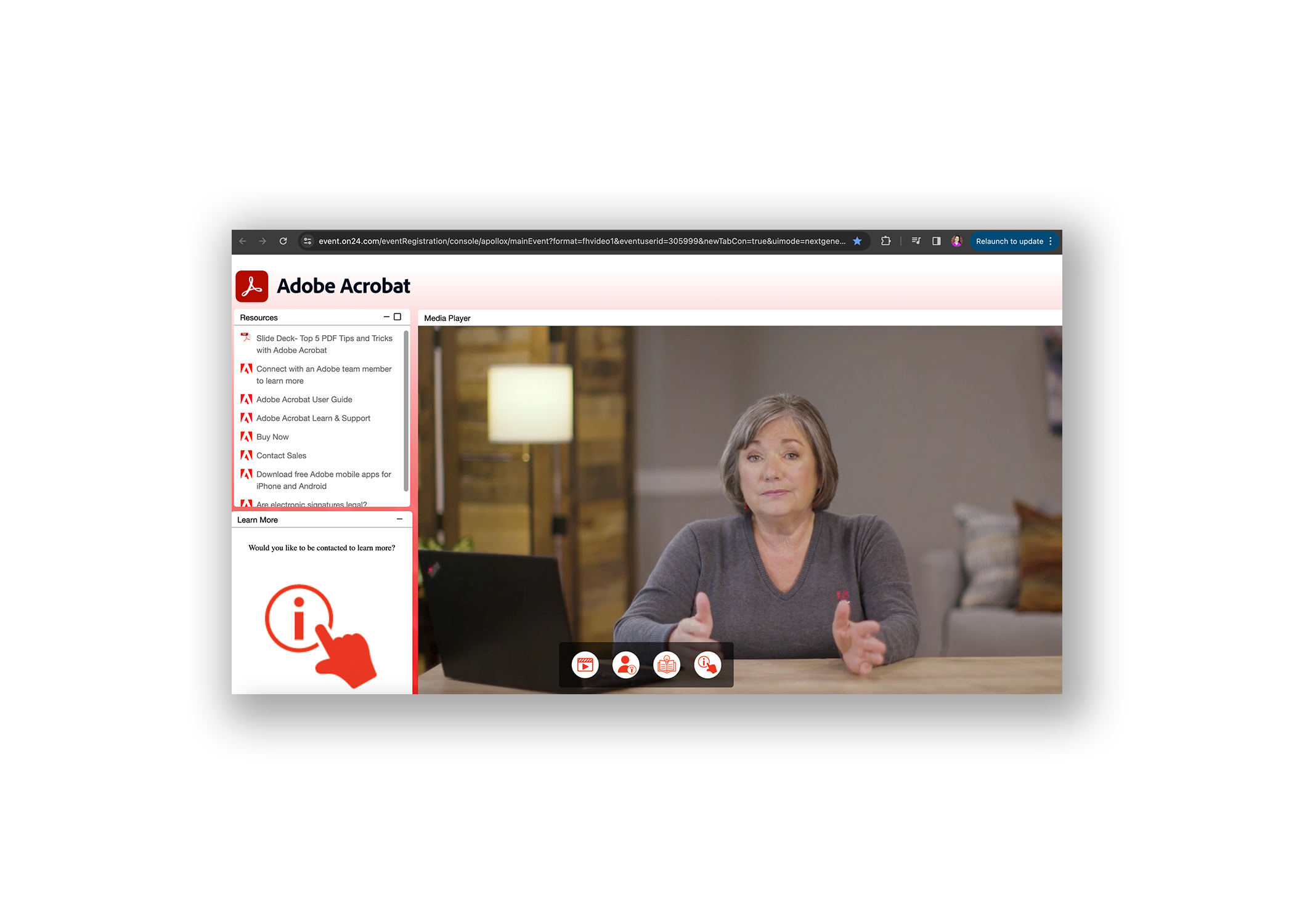
Acrobat - Top 5 PDF Tips and Tricks
Across industries and job functions, PDF is the currency of modern work. It’s how organizations worldwide share vital information that moves business faster.
Check out our webinar Top 5 PDF tips and tricks with Adobe Acrobat for expert insights to improve and accelerate how your team works with documents. When you need everyone on the same page for document workflows, Acrobat’s got it.
In this webinar you’ll learn about:
Combining and organizing multiple files into an editable PDF
Easily creating, filling, and signing PDF forms on any device
Editing PDFs to update text and images
Protecting and securing your PDF
Sharing a PDF and gathering comments for real-time collaboration
Watch today to get more comfortable working with PDFs across desktop, web, and mobile.
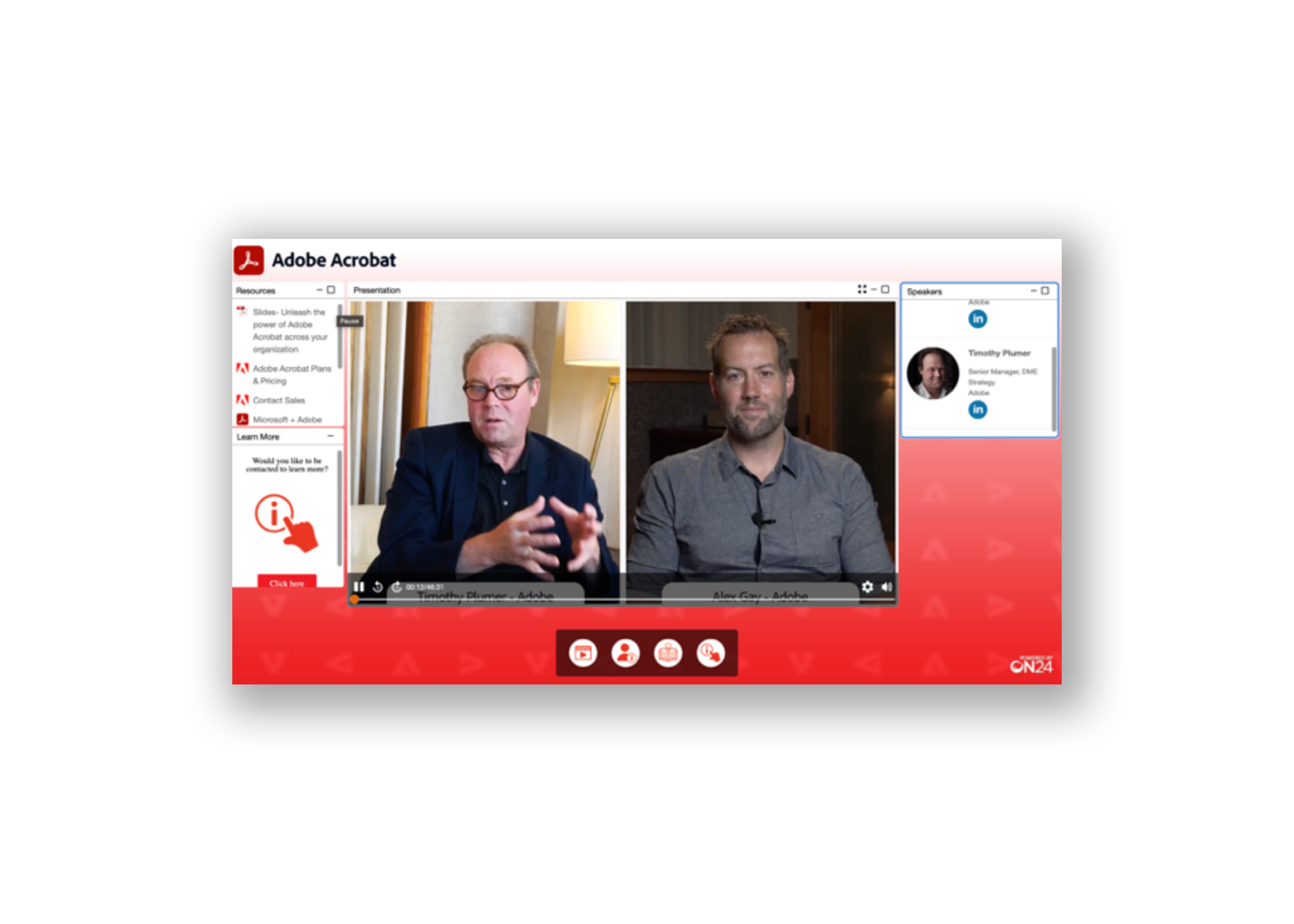
Acrobat - Unleash the power of Adobe Acrobat across the organization
Since Adobe invented the PDF more than 25 years ago, the file format has set the standard for secure, smooth document creation and management. But there’s more to this familiar format than many teams are fully utilizing, including dynamic features that optimize and simplify workflows for today’s hybrid world.
Watch the recording as our expert panelist share insights on the evolution of the PDF and provide fresh demos on PDF collaboration, editing, and integrations with Microsoft apps. You’ll learn how today’s Adobe Acrobat enables you to:
Create, share, and sign PDFs across devices
Enrich collaboration and sharing capabilities across integrated platforms
Standardize PDF creation so that every document is secure
Ensure document compliance with redaction and accessibility tools
This webinar also features recent findings from global firm IDC on how business leaders are solving document workflow pain points to drive better business outcomes.
Join us to learn how Acrobat can help you unlock the power of PDFs to succeed in this new environment.
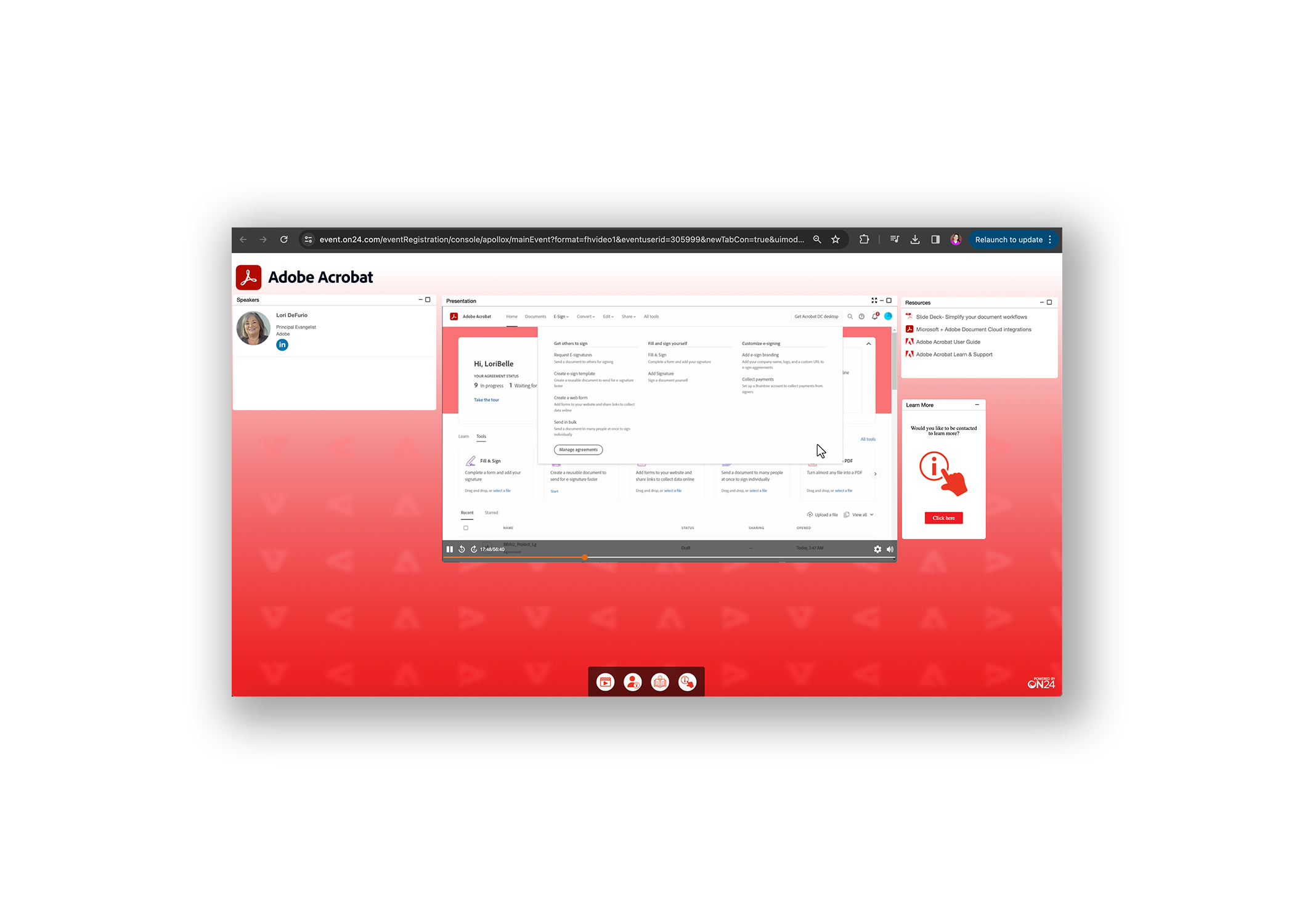
Acrobat - Simplify your document workflows: Manage PDFs from anywhere with Adobe Acrobat Pro.
As the company that invented the PDF, Adobe has been deeply invested in innovating PDFs for the needs of modern work. Teams like yours now expect to edit, share, sign, and track documents from anywhere, on any device. For every one of these steps, Acrobat’s got it.
On this on-demand webinar, our expert panelist will share how this versatile, all-in-one, and reliable document solution has evolved over the years to support the hybrid era. Through clear, actionable demos, our expert will cover:
The versatility of being able to edit and collaborate on Acrobat PDFs inside Microsoft 365 apps
How an all-in-one solution allows you to edit, sign, and send PDFs from a single app
The reliability of knowing you can securely manage document workflows from any device
Join us to learn how the new Acrobat Pro can increase your productivity and collaboration — all while simplifying the way you work.
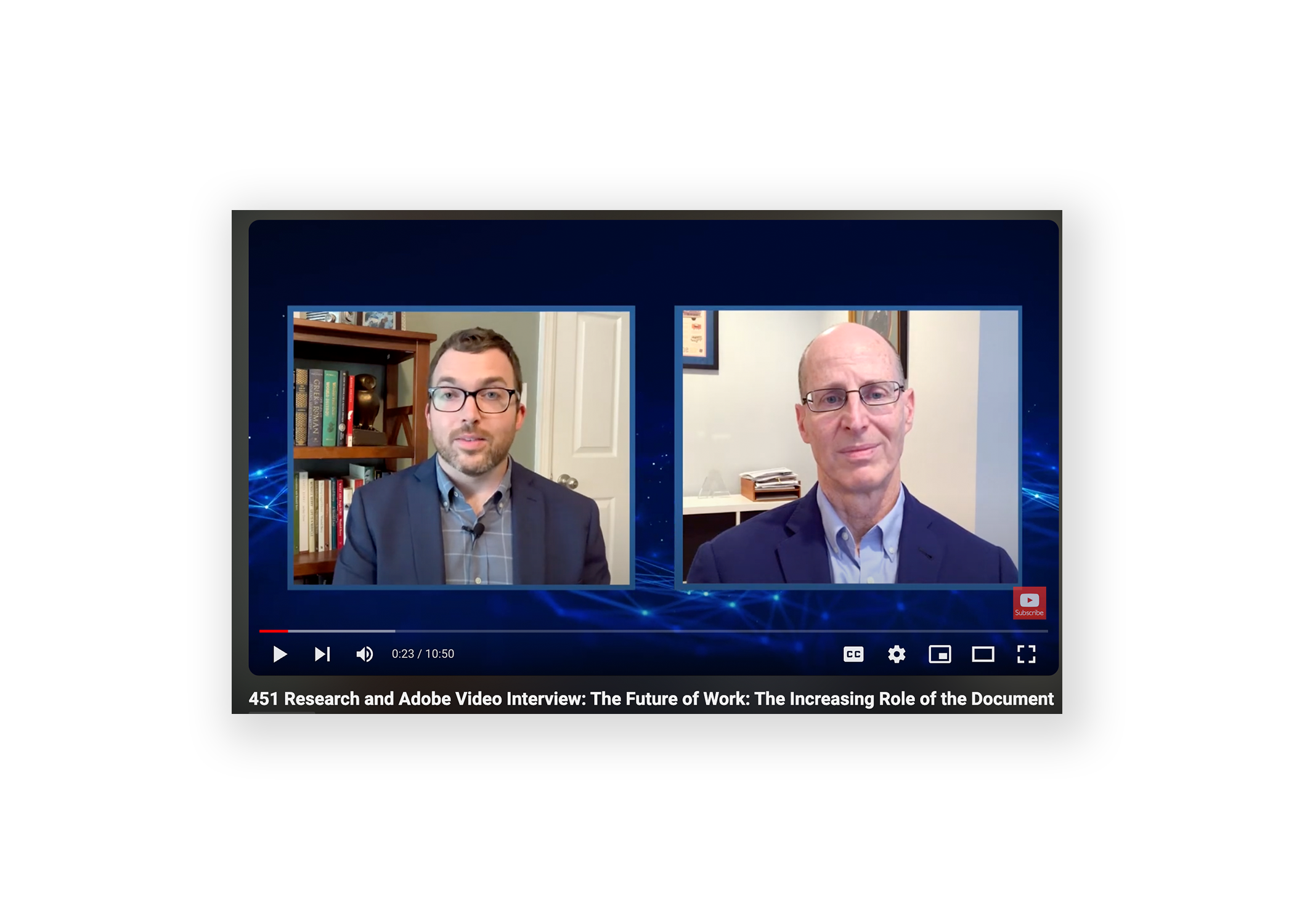
The Future of Work: The Increasing Role of the Document
Abstract: Listen to an interview between Adobe's Rick Borstein in Digital Media Solutions Consulting and Conner Forrest from 451 Research on how the changes in technology tools and strategies are evolving to support the future of work.
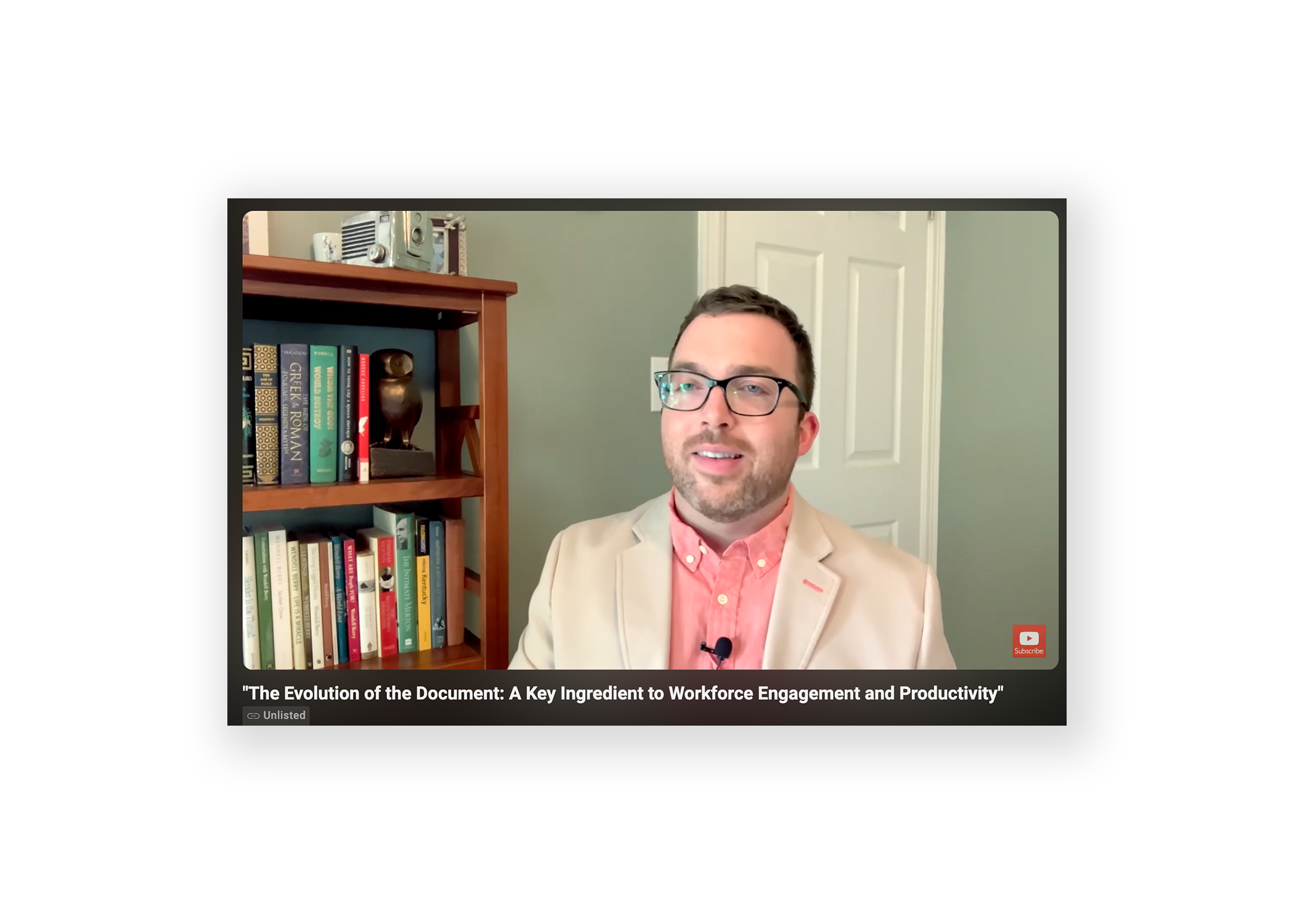
The Evolution of the Document
Abstract: Gain insight into today's top drivers of employee engagement through digital document tools like the PDF with analyst highlights from the 451 Research Pathfinder report.
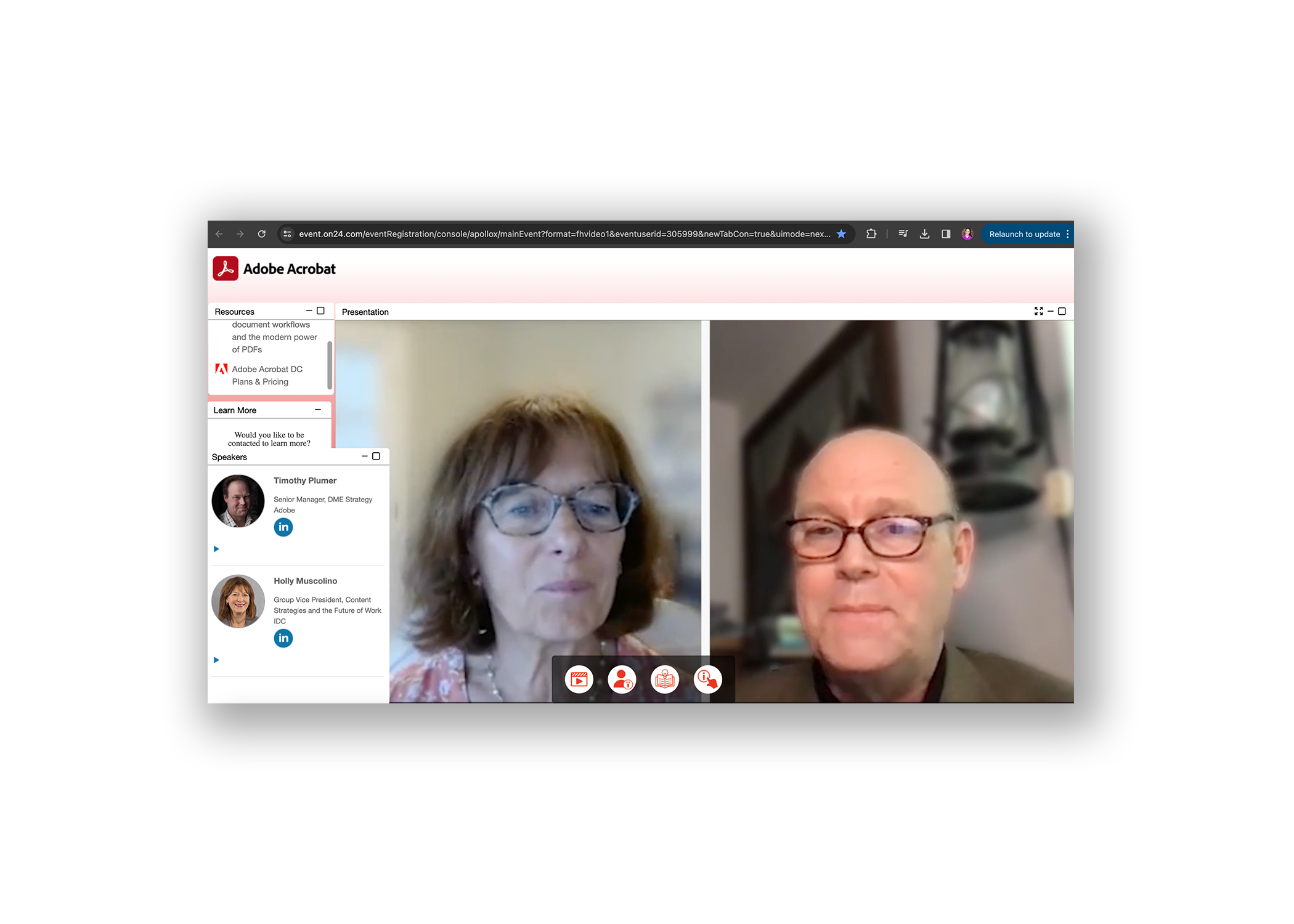
Transforming Document Workflows and the Modern Power of PDFs
Since Adobe invented the PDF more than 25 years ago, the file format has set the standard for secure, smooth document creation and management. But there’s more to this familiar format than many teams are fully utilizing, including dynamic features that optimize and simplify workflows for today’s hybrid world.
Watch the recording as our expert panelist share insights on the evolution of the PDF and provide fresh demos on PDF collaboration, editing, and integrations with Microsoft apps. You’ll learn how today’s Adobe Acrobat enables you to:
Create, share, and sign PDFs across devices
Enrich collaboration and sharing capabilities across integrated platforms
Standardize PDF creation so that every document is secure
Ensure document compliance with redaction and accessibility tools
This webinar also features recent findings from global firm IDC on how business leaders are solving document workflow pain points to drive better business outcomes.
Join us to learn how Acrobat can help you unlock the power of PDFs to succeed in this new environment.
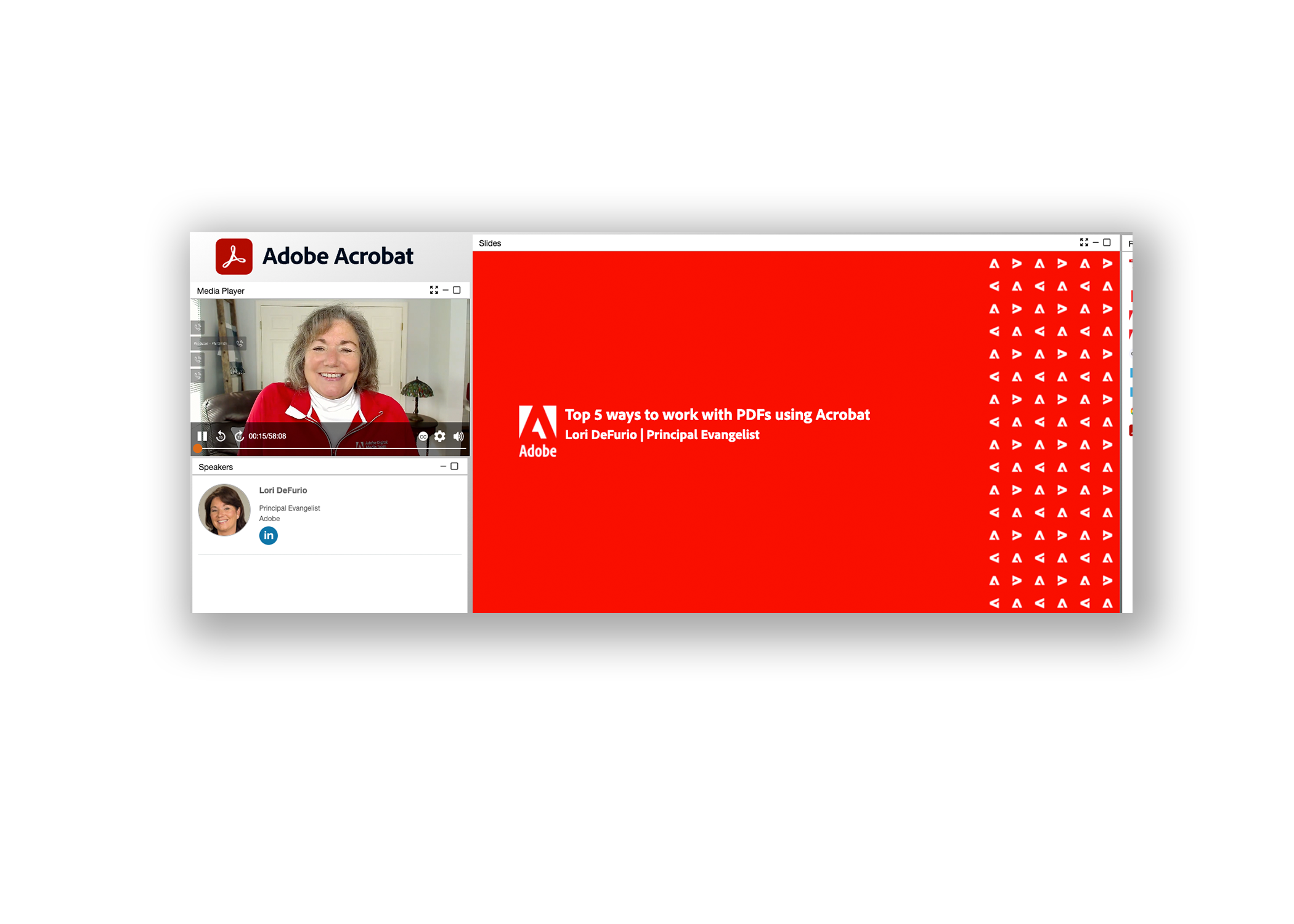
Top 5 ways to work with PDFs using Acrobat
PDFs play a central role in modern business. No matter your industry or job description, your ability to work skillfully with PDFs will empower you to get business done better and faster in 2022. We’ll cover the most important things you can do with PDFs from creation to sending and signing.
Create, protect, and send PDFs in popular Microsoft apps including Word, Excel, and PowerPoint.
Edit text and images in PDF, and combine multiple PDF, Word, image, and other files into an editable PDF.
Share and collaborate with clients and team members by using comments and tracking features.
We’ll also show you how to do all this on Acrobat for web and mobile so you can keep business moving any time, from anywhere.